Why Your Google Business Profile is Your #1 Local Marketing Asset
Let's get one thing straight: a Google Business Profile isn't just another social media account you need to casually update. It's a fundamental cornerstone of your online presence that directly dictates how you appear on Google Search and Google Maps. With a staggering 90% of consumers using search engines to find local businesses, ignoring your GBP is akin to boarding up the windows of your physical store.
Dominate the Local Pack
Businesses featured in the Local Pack capture a staggering 42% of all clicks. That's the prime real estate you want.
Build Instant Credibility
A complete profile with 5-star reviews signals to both Google and customers that you're a legitimate, active, and trustworthy business.
Skyrocket Traffic & Calls
An optimized profile makes it easy for customers to get directions, call you directly, or visit your website with a single tap—all free leads.
Uncover Customer Insights
Your GBP dashboard shows exactly how customers find you, the search terms they used, and the actions they took—pure gold for marketing.
Mastering Your Profile: Essential Fields for Maximum Impact
Creating a profile is simple. Creating a profile that generates leads and customers demands meticulous attention to detail.
Core Business Info: Your Foundation of Trust
- Business Name: The official name of your business. Must match real world signage. Keyword stuffing (e.g., "Joe's Plumbing Best Plumber in Brooklyn") is a fast track to profile suspension.
- Primary Category: The main category that defines your business. This is required and heavily impacts rankings and which features Google shows you.
- Additional Categories: Up to 9 secondary categories to describe other aspects of your business and services you offer.
- Address: Your physical location where customers can visit. Hidden for service area businesses that travel to customers.
- Service Area: For businesses without a fixed location or hybrid businesses. Define the cities, zip codes, or radius you serve.
- Phone Number: Primary contact number. Some business types allow multiple numbers.
- Website URL: Link to your website for more information and credibility.
- Business Hours: Regular opening hours plus special and holiday hours. Be meticulously accurate.
- Opening Date: When your business started operating.
Crafting Your Business Description
You have 750 characters. The first 250 are what people see before clicking "More."
❌ Ineffective:
"We are a family owned business serving the community for 20 years. We offer high quality services and great customer care."
✓ High Impact:
"Tired of leaky faucets and surprise cold showers? We specialize in 24/7 emergency plumbing, tankless water heater installation, and drain cleaning for homeowners in the Denver area. Get a transparent, upfront quote today."
If Google Gives You the Option, Check the Box
Google prioritizes fully filled profiles for better rankings. If you see an option to add information, you should probably add it. Here's everything else you can complete:
Products and Services
- • Products: List individual products with names, descriptions, prices, photos, and buy buttons. Great for retail.
- • Services: List offered services with descriptions and prices. Essential for plumbers, electricians, salons.
- • Menu: For restaurants and bars. Full menu with items, prices, sections, and photos.
Attributes (Features and Amenities)
These are toggles that highlight specifics about your business:
Media and Visuals
- • Photos: Logo, cover photo, exterior, interior, team, products, services, food
- • Videos: Short videos showcasing your business
- • 360° Views: Virtual tours via Street View or uploaded panoramas
Customer Engagement Features
- • Reviews: Customer ratings and reviews (respond to all of them)
- • Q&A: Questions and answers section (seed your own FAQs)
- • Posts: Updates, offers, events, products with photos and buttons
- • Messages: Chat with customers directly (if enabled)
- • Booking: Integration with booking providers for appointments
- • Offers: Special deals or coupons
Advanced Features
- • Labels: Internal tags for organizing multiple locations (not public)
- • What's Happening: Real time updates like daily specials
- • In Store Products: Show inventory available in store (retail)
Industry Specific Fields
- • Hotels: Dedicated section for amenities, classes, and services
- • Healthcare: Online care options, gender, insurance accepted
- • Multi Location: Bulk management features, store codes
Pro Tip: Check your dashboard regularly. Google adds new features and attributes frequently. Enhanced eco friendly options were added in 2025 for example. The more complete your profile, the better your rankings.
The Verification Gauntlet: Earning Your Google Badge of Trust
Before you can fully manage your profile, you must prove to Google that you are the rightful owner. Here are the verification methods:
Postcard Verification
Google mails a code to your address (5-14 days)
Phone/Text Verification
Instant code via call or text to your business phone
Email Verification
Code sent to your business email address
Video Verification
Live video call or recorded video showing your business
Video Verification Pro Tip
Google representatives will want to see three things: 1) Your business location (clear signage), 2) Your business equipment (tools, branded vehicle, inventory), and 3) Proof of management (unlocking the door, accessing employee-only areas). Having these ready transforms a frustrating process into a five-minute task.
What's Included in Basic GBP Management?
Everything you need to maintain a competitive Google Business Profile and attract more local customers.
Profile Optimization
Complete setup and optimization of your business information, categories, and service areas
Weekly Google Posts
Fresh content posted weekly to keep your profile active and engaging
Review Monitoring
Track and respond to customer reviews to build trust and reputation
Call Tracking
Monitor how many calls your profile generates each month
Monthly Reports
Clear reports showing views, searches, and customer actions
Q&A Management
Answer customer questions on your profile before competitors do
Beyond Setup: Actively Managing to Outperform Competitors
A completed profile is merely the starting line. Active, consistent management is how you win the race for local customers.
Google Posts: Your Free Digital Billboard
Posts expire after 7 days, making them ideal for fresh, timely content. Use them relentlessly:
- • Offer Posts: "15% off for first-time customers" with clear dates
- • What's New Posts: New products, blog posts, or highlight 5-star reviews
- • Event Posts: Webinars, live events, or holiday sales with dates and CTAs
Q&A: Your Secret Weapon
Here's a secret most competitors ignore: Anyone can ask and answer questions on your profile. Take control by compiling your top 10-15 FAQs, asking them from your personal Google account, then answering them as the business owner. This builds a robust FAQ section and ensures customers get accurate information.
Reviews: Your Digital Currency
Reviews are arguably the single most important ranking factor. You need a proactive system:
- • Ask immediately after a successful transaction via email/text with a direct review link
- • Respond to positives with personalization: "Thank you, Sarah! We're thrilled you loved your balayage!"
- • Respond to negatives quickly (within 24 hours), professionally, and take it offline
Photos & Videos: Show, Don't Tell
Profiles with more photos receive 42% more direction requests and 35% more website clicks.
The 3x3 Photo Rule: At minimum, upload 3 high-quality exterior photos, 3 interior photos, and 3 photos featuring your team or signature products. A 30-second video walkthrough can have massive impact.
Myth-Busting: Common GBP Mistakes That Decimate Your Ranking
Myth #1: "It's a 'set it and forget it' tool"
WRONG. An unmanaged, stagnant profile is a negative ranking signal. Google actively rewards businesses that demonstrate engagement and relevance.
Myth #2: "Keyword stuffing my business name will help"
DANGEROUS. This is a direct violation of Google's terms. Your profile will almost certainly be suspended, losing all your hard-earned reviews and ranking power.
Myth #3: "I only need to respond to negative reviews"
FALSE. Responding to positive reviews encourages more satisfied customers to leave them and demonstrates you value your entire community.
Myth #4: "Any photo will suffice"
COSTLY MISTAKE. Grainy, dark, or unprofessional photos are worse than no photos. They project cheapness and untrustworthiness. Invest in good lighting and quality shots.
Real-World Triumphs: How Businesses Transformed with GBP
The Local Cafe's Stellar Comeback
"The Daily Grind" in Austin was invisible online with outdated info and just two 3-star reviews from 2019. Meanwhile, a new Starbucks dominated local results.
Over 3 months, they verified their address, uploaded 25 photos, and texted review links to loyalty members. They used Google Posts for "Muffin of the Day" specials.
Results after 90 days:
- • 45 new reviews (4.8-star average)
- • 40% increase in direction requests
- • 25% increase in new customer foot traffic
Service Area Business Explosive Growth
"Pipe Perfect Plumbing" was a one-man operation in suburban Chicago. Their GBP only showed their home address, limiting visibility for city center jobs.
They optimized as a service-area business, defined a 20-mile radius covering affluent neighborhoods, and highlighted 24/7 emergency availability in posts.
Results after 6 months:
- • 60% surge in booking requests from GBP
- • 50%+ of leads from new zip codes
- • Zero to hero in previously invisible areas
Your 30-Day GBP Action Plan for Rapid Results
By the end of these 30 days, your profile will be significantly more complete, engaging, and trustworthy than 90% of your local competitors.
The Great Profile Audit
Meticulously review every single field in your GBP dashboard. Fill in all missing information, including your compelling business description, comprehensive services, and relevant attributes (e.g., 'wheelchair accessible,' 'free Wi-Fi'). Ensure your NAP (Name, Address, Phone) is 100% accurate and consistent everywhere.
Photo & Video Blitz
Upload at least 10 new, high-quality, engaging photos. Follow the 3x3 rule: 3 exterior shots, 3 interior shots, and 3 photos showcasing your team or signature products/services. For bonus points, upload a dynamic 30-second introductory video.
Strategic Review Ramp-Up
Implement a consistent system to proactively ask for reviews. Create a personalized email template or a small, branded card with a QR code directly linking to your Google review page. Your goal: secure at least 3 new, authentic reviews. Respond thoughtfully to every single review.
Get Actively Engaged
Publish two compelling Google Posts: one highlighting a special offer and another announcing a 'What's New' update. Navigate to the Q&A section and strategically seed and answer your top 3 most frequently asked customer questions.
Tools of the Trade: GBP Management Options
| Feature | DIY on Google | 3rd Party Tools | Managed Service |
|---|---|---|---|
| Post Scheduling | Manual only | ✓ Yes | ✓ Done for you |
| Review Management | Manual responses | ✓ Templates | ✓ Professional responses |
| Q&A Seeding | Manual process | Not supported | ✓ Strategic seeding |
| Photo Optimization | Basic upload | Bulk options | ✓ Geo-tagged & optimized |
| Performance Reports | Basic insights | ✓ Aggregated | ✓ Expert analysis |
| Cost | Free | $$/month | Best ROI |
GBP Help & Resources
Expert guides to help you get the most out of your Google Business Profile.
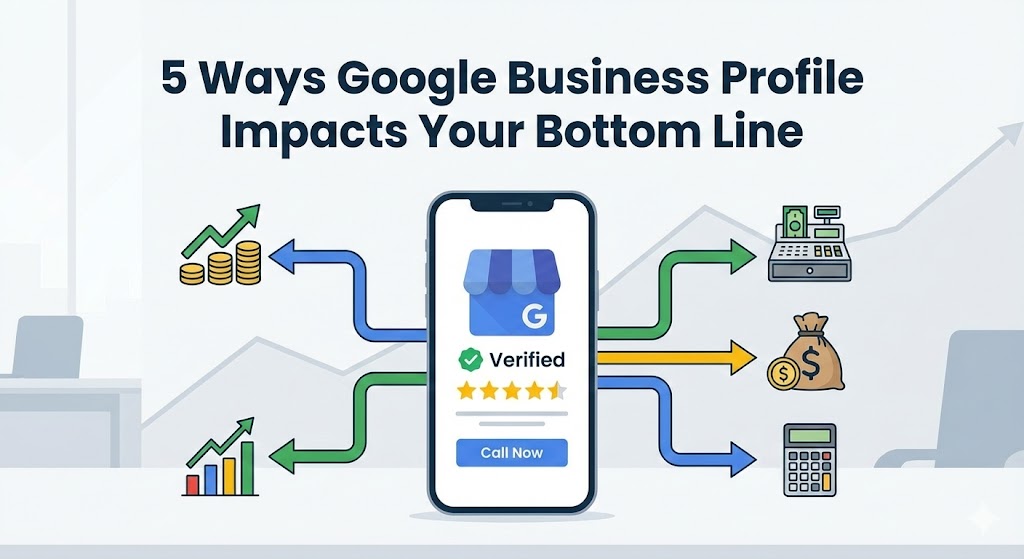
5 Ways Google Business Profile Impacts Your Bottom Line
Discover how optimizing your Google Business Profile directly translates to more revenue for your local business.
Review Management: Turn Feedback Into Growth
How to leverage customer reviews to improve your reputation, rankings, and revenue.
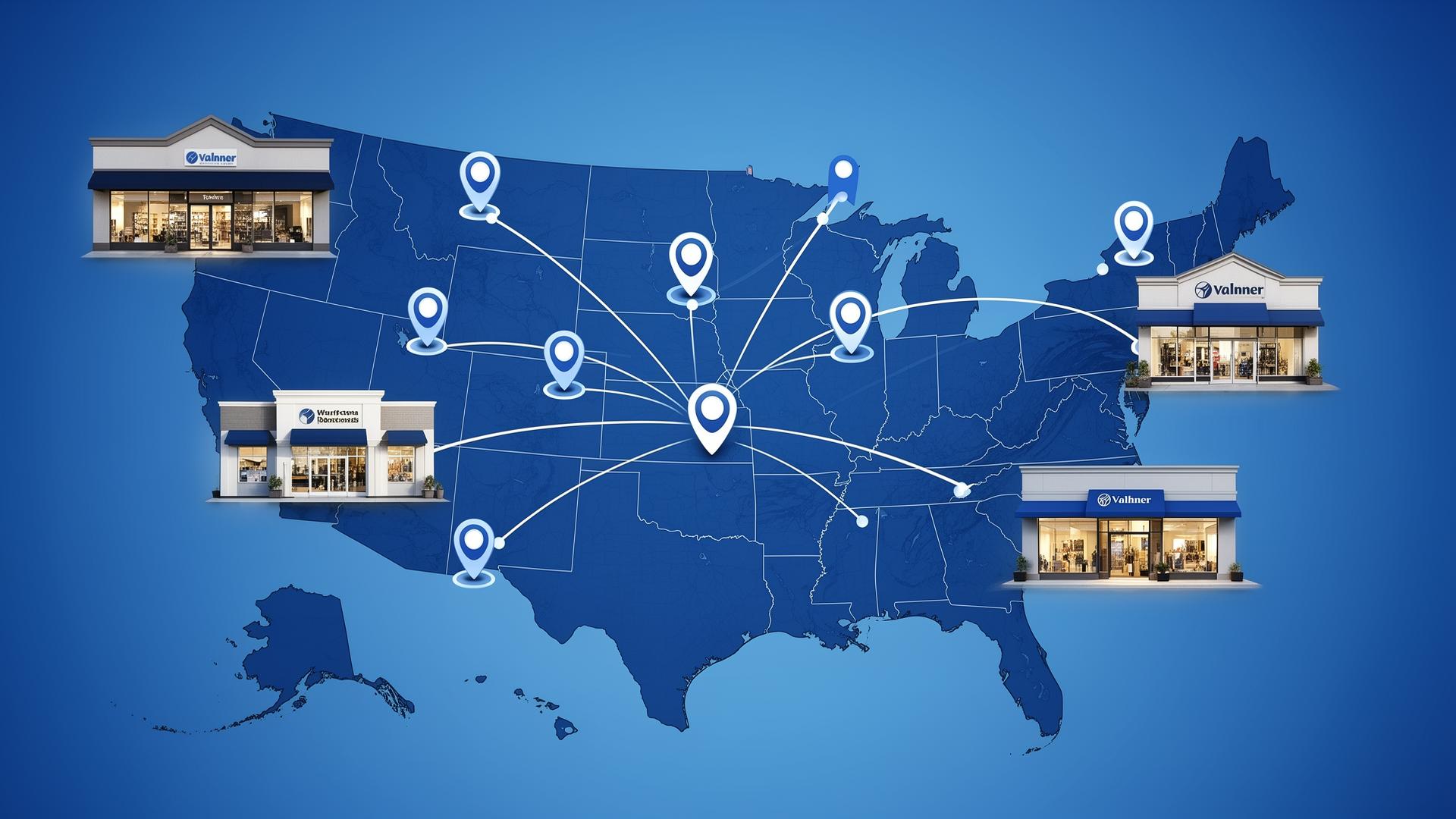
Multi-Location SEO: Managing Multiple Business Profiles
Best practices for businesses with multiple locations to maximize visibility across all markets.
Frequently Asked Questions About Google Business Profile Management
Free Marketing Scorecard + Game Plan
See exactly where you stand against competitors and get a custom roadmap to dominate Google Business Profile rankings.
- Competitive analysis for your service area
- Google Business Profile audit
- Custom ranking strategy